The last review before your name is on the line.
TrustForge reads your trust against the design sheet and flags every mismatch (names, dates, percentages, provisions) in under five minutes. You review it. You approve it. Your client signs a validated trust.
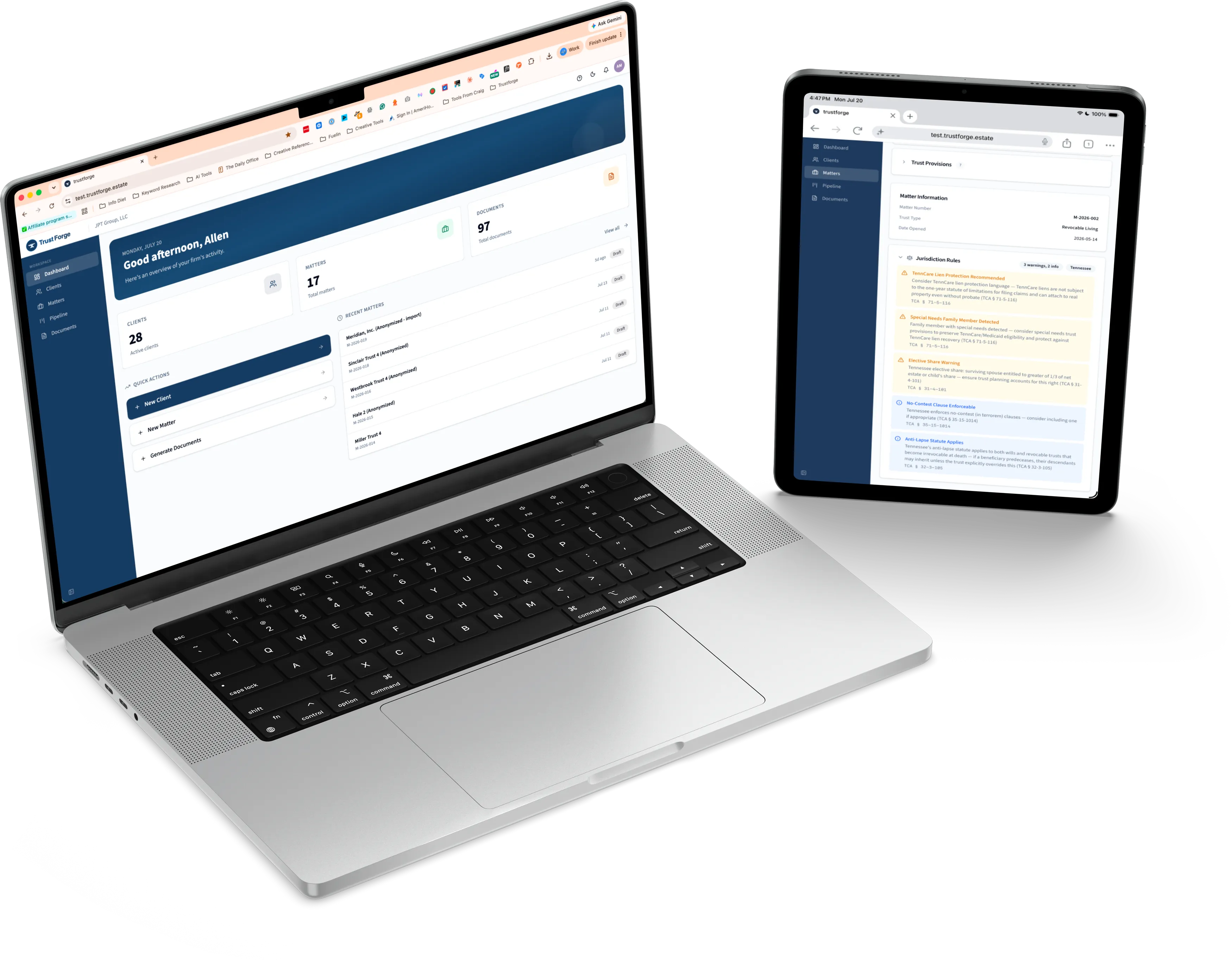
Estate planning is one of the few areas of law where the mistake shows up after the client is gone, when no one can ask them what they meant.
A transposed date is embarrassing. A wrong beneficiary share is a lawsuit against the attorney who drafted it. And it can surface years later, in court, long after the file was closed.
Manual proofreading is the only safeguard standing between a draft and that outcome, and it's a thin defense. A hundred-page trust checked line-by-line is slow, mind-numbing work. Two proofreaders can read the same page and both miss the same error.
Proofreading is your only safety net.
- Side-by-side review runs hours per document
- Tired eyes miss dates, names, and skipped clauses
- One mismatch can expose the firm to malpractice
- Toggling between documents loses context
- Every review is only as sharp as whoever's least tired
A second set of eyes that never gets tired.
- A complete trust checked in under five minutes
- Every field, clause, name, date, and provision cross-referenced
- Color-coded report, so there's no ambiguity
- Click any issue to jump to that exact passage
- Consistent every time, on every document
It doesn't just spell-check. It reads for meaning.
Template-driven software can get a name right and still miss the point. TrustForge checks whether the trust actually says what the client instructed. Was the blocking clause included? Does the incapacity provision match intent? Are the distributions the ones on the design sheet?
That's the difference between a document that's spelled correctly and a document that's drafted correctly.
"But will it read our design sheet?"
It will. Every firm's design sheet looks different: some come out of DecisionVault or WealthCounsel, some are a Word template a partner built years ago. TrustForge normalizes whatever you send it into one workable file, then checks the trust against it.
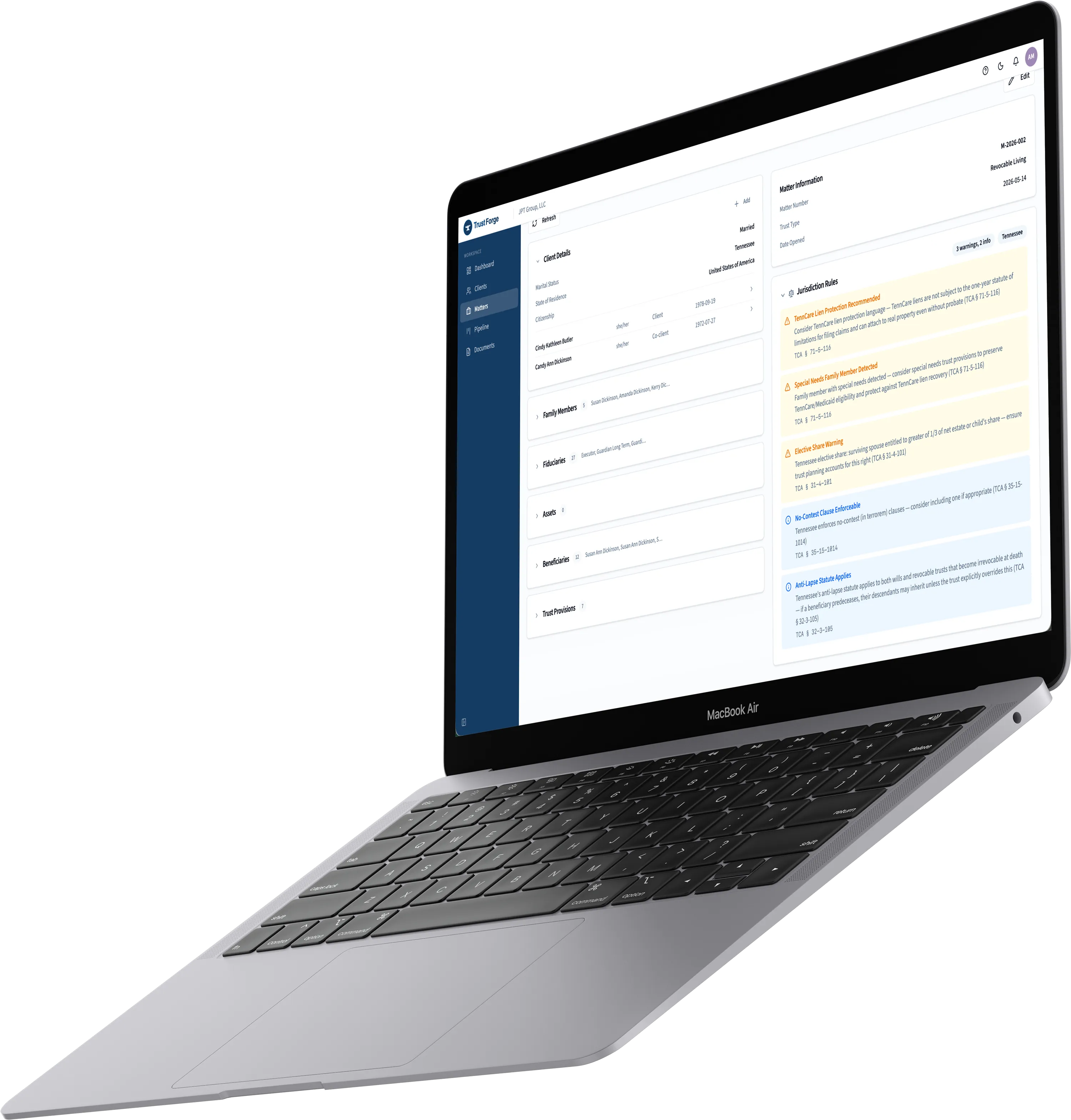
- DecisionVault, WealthCounsel, or your firm's own Word template
- Any layout, any field order, normalized into one consistent structure
- Missing or incomplete fields flagged before they reach the trust
- No migration, no new templates, no change to how your firm drafts
Sign in. Upload. Review. Sign.
No new passwords, no IT setup, no change to how your firm already drafts.
Sign in with SSO
Use your Microsoft 365 or Google Workspace login. You're in within seconds.
Upload your documents
Drag in the design sheet and trust draft as Word files. TrustForge reads whatever your drafting software produces.
It checks every field
Every name, date, percentage, clause, and provision, cross-referenced between the two in under five minutes.
Review, decide yourself
Click any issue to jump to that passage. You approve each fix. Nothing changes without your say-so.
Everything a firm needs to catch a discrepancy, nothing it doesn't.
Reads any design sheet
DecisionVault, WealthCounsel, or the Word template your firm built years ago. TrustForge normalizes any format into one workable file, and flags what's missing before it reaches the trust.
Design-sheet-to-trust matching
Reads every field in the design sheet and checks it against the trust: names, dates, percentages, beneficiary provisions, trustee succession, and more.
Reports you can act on
Every mismatch flagged, sorted by severity, in a clear panel. No guessing about what's wrong or where.
Click-to-navigate review
Click any flag to jump to that passage. Switch between design sheet and trust in one click. Context is never lost.
Semantic provision checks
Reads for meaning, not just spelling. Was the blocking clause included? Does the incapacity provision match the client's intent?
Nothing to migrate
TrustForge sits on top of the tools you already use. No new templates, no data migration, no change to how your firm drafts.
From the firm that helped build it.
TrustForge caught an error that slipped through four human reviews.
TrustForge flagged a trustee name in the trust that didn't match the design sheet. That would have been a real problem after signing.
I trust my own drafting, but I trust it more knowing TrustForge has checked it against the design sheet before printing.
The trust is where we start. Not where we stop.
Every estate plan is more than the trust. The certificate of trust, the pour-over will, powers of attorney, healthcare directives, personal family letters. Up to twenty-five documents, each one a place an error can hide.
TrustForge is built to cover the whole plan: verifying every document, generating the routine ones, and connecting the fragmented tools your firm runs on into one layer you actually trust.
The estate plan, one package
Live today, filled in. Roadmap, outlined.
Your clients' documents, handled like it matters.
Encrypted at all times, in a private environment we control on Microsoft Azure, with every firm's data walled off from every other firm's.
The parts that shouldn't be negotiable, aren't.
Common questions
What file formats does TrustForge support?+–
Word (DOCX) today, the standard output of estate-planning drafting software. More formats are on the roadmap.
How accurate is it?+–
95.5% in testing across a wide range of trust structures. It's built to be a second set of eyes, not a replacement for your review. You see and approve every flag. Disagree with one? Grade it, and that sharpens the validator over time.
Will it change my document without me?+–
No. TrustForge flags issues and shows you where they are. Every edit is yours to approve. It never rewrites your trust on its own.
How secure are my client documents?+–
Encrypted at all times, in a private environment we operate and control on Microsoft Azure. Your firm's data is walled off from every other firm's, and none of it is ever shared with outside services or third parties.
How long does onboarding take?+–
Most firms run their first check within ten minutes. Sign in with your existing Microsoft or Google account. Nothing to install, no IT ticket.
Can I export the report?+–
Reports are fully available in the app today: review every issue, jump to the source text, grade results. PDF and CSV export are on the roadmap.
See it catch a real error.
Book a 30-minute demo and we'll run a live check on a sample trust, no prep on your end. See the report and click-to-navigate review in action, and ask us anything about fit for your firm.
No commitment. Cancel or reschedule any time.